
How to Simplify Your Workflow and Stop Using Multiple Productivity Tools in Your Browser

Introduction
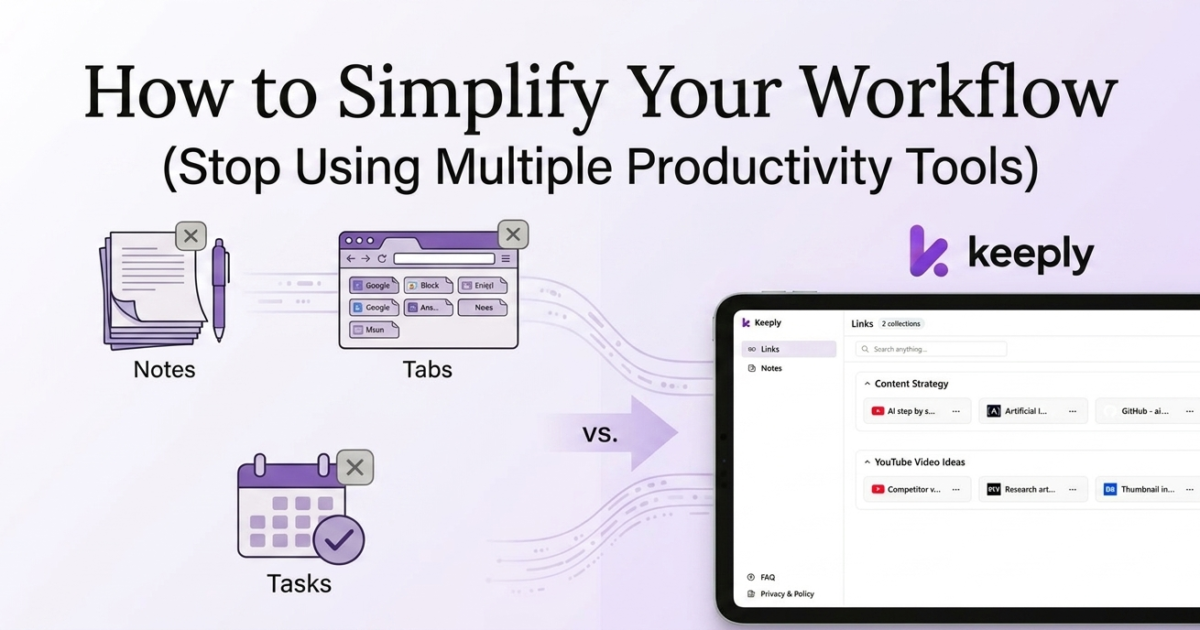
If your day starts with 20+ tabs open, scattered notes, and unfinished tasks — you’re not alone.
Most people try to stay organized using bookmarks, note apps, and task managers.
But instead of clarity, they end up with chaos.
You save things everywhere… and find nothing when you actually need it
The Real Problem: Too Many Tools
The problem isn’t that you’re not organized.
It’s that your workflow is fragmented.
You:
- Save links in bookmarks
- Write notes in another app
- Manage tasks somewhere else
👉 Nothing is connected.
So you:
- Forget ideas
- Lose important links
- Waste time switching between apps
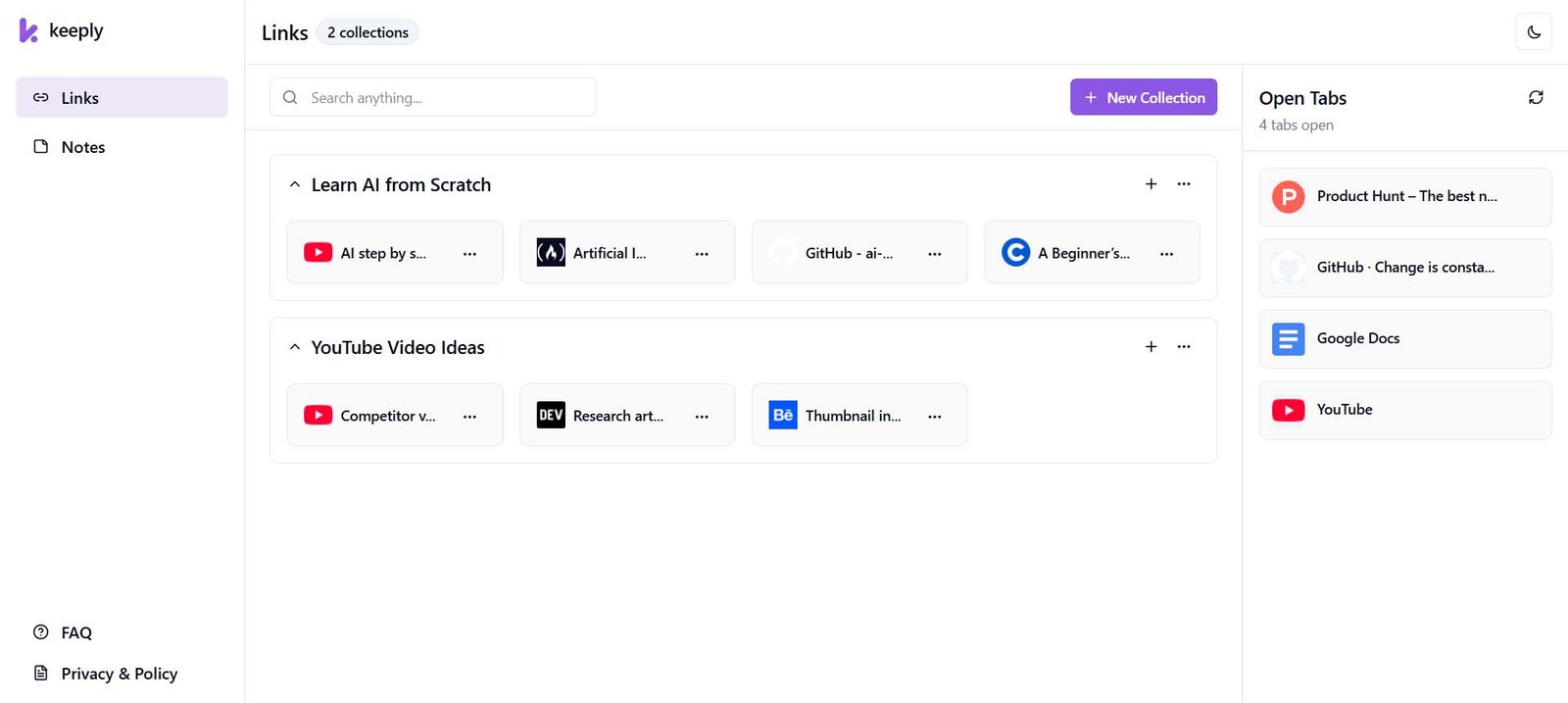
This visually shows “organized vs chaos”
Why This Happens
Most tools are built for a single purpose.
- Bookmark managers → only links
- Notes apps → only writing
- Task apps → only tasks
But your real workflow is not separate like that.
👉 It’s connected.
You find something → think about it → act on it
What You Actually Need
You don’t need more tools.
You need a simple system that helps you:
- Capture instantly
- Keep everything together
- Find things without effort
A Better Way to Work
This is exactly why I built Keeply.
Instead of switching between multiple apps, Keeply lets you:
- Save links instantly
- Write notes when ideas come
- Keep everything in one place
👉 So your workflow stays simple and fast.
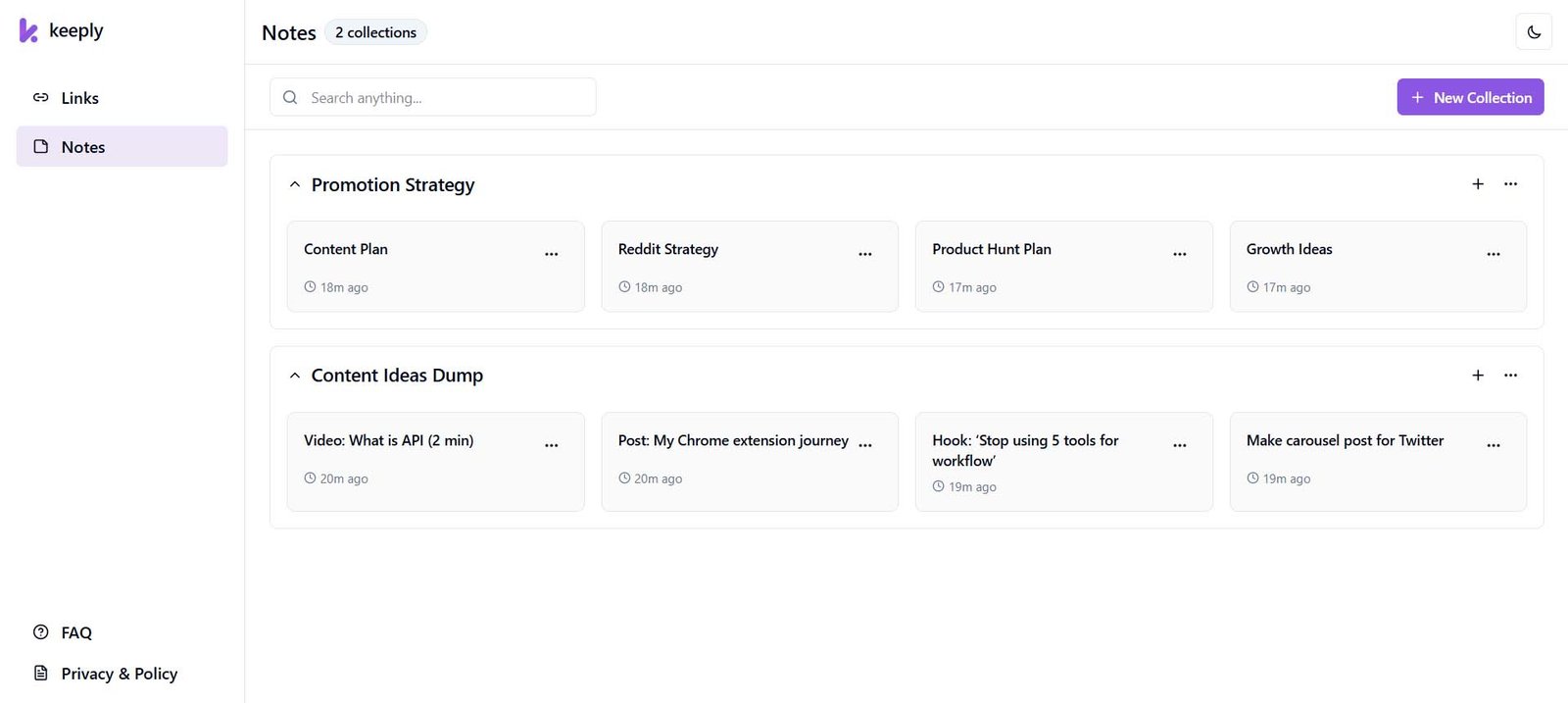
Show how ideas are captured instantly
Real Example: Learning Something New
Let’s say you’re learning AI.
Without a system:
- You save YouTube videos
- Bookmark articles
- Write ideas somewhere else
After a few days → everything is scattered.
You forget what you saved.
With Keeply:
- Save all links into one collection
- Add notes alongside them
- Come back anytime and continue
👉 Everything stays in context.
The Result
When everything is in one place:
- No more tab overload
- No more lost ideas
- No more switching tools
- No more confusion
You work faster.
You stay focused.
You actually finish things.
Who This Is For
Keeply is built for people who work online:
- Developers saving docs & resources
- Creators managing ideas
- Students organizing learning materials
- Anyone tired of messy workflows
Final Thoughts
Your workflow doesn’t need to be complicated.
It just needs to be simple.
Try Keeply
If you’re tired of juggling tools and losing important things:
👉 Try Keeply now
